
If you want to quickly access your Lex Casino account, you’re in the right place. No fluff — just a clear path to the login form, a step-by-step guide, and honest answers to the problems that actually occur. Whether you play from a laptop, tablet, or smartphone — you’ll find everything important here.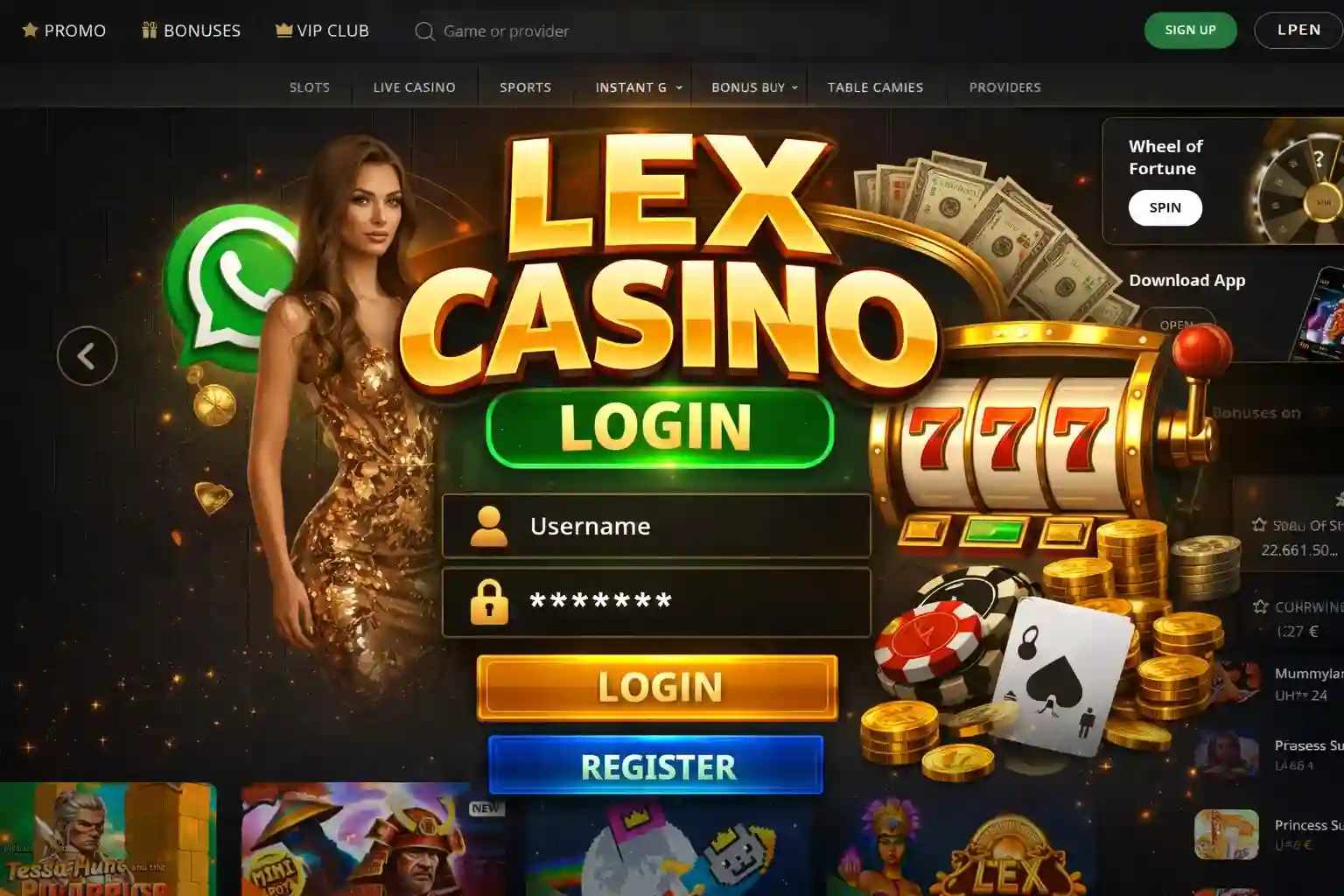
What to expect on this page:
- Where to find the Lex Casino login page
- Step-by-step login instructions
- Tips for mobile login
- Common login problems and their solutions
- Password recovery explained
- Security tips for players
How to find the login page quickly
It sounds simple — but this is exactly where most mistakes happen. Many mirror sites and fake URLs are circulating online that look very convincing. For a safe Lex Casino official login, it’s best to type the address directly into the browser bar or use a bookmark you created yourself. Avoid clicking links from emails or messenger groups.
On the genuine site, you’ll find the Lex Casino sign in button immediately in the top right — no scrolling, no searching.
Here’s how to get there:
- Open your browser (Chrome, Firefox, Safari — all work fine)
- Type the official Lex Casino URL directly into the address bar
- Check that the URL starts with https:// and shows a padlock icon
- Click Login or Sign In in the top right
- The login form will open — done
Login Step by Step: Explained Without Detours
The actual Lex Casino login takes less than 30 seconds when everything is correct. Here’s how it works:
Quick checklist before logging in:
- ✅ Correct email address
- ✅ Password entered without Caps Lock on
- ✅ Stable internet connection
- ✅ Cookies enabled in your browser
- ✅ Official URL confirmed
When everything matches, the Lex Casino sign in goes smoothly.
Mobile Login — What’s Different?
More and more players handle everything on the go — and Lex Casino is well prepared for that. Lex Casino sign in on a smartphone works basically the same as on desktop, just optimized for a smaller screen. The login button is at the top of the page, input fields are touch-friendly, and the process takes the same amount of time.
| Feature | Mobile (Browser/App) | Desktop |
|---|---|---|
| Login button position | Top (possibly in hamburger menu) | Top right |
| Usability | Touch-optimized, large fields | Mouse and keyboard |
| Loading speed | Depends on mobile connection | Usually faster on stable Wi-Fi |
| Two-factor verification | Supported | Supported |
| Recommended browser | Chrome or Safari mobile | All common browsers |
Practical tip: With a weak mobile connection (for example on a train), the login sometimes times out. Just wait a moment and try again — your account will not be blocked.
When Login Doesn’t Work: Common Problems Honestly Explained
Sometimes the Lex Casino login doesn’t work on the first try. Here’s a clear overview of what can go wrong and why:
| Problem | Likely Cause | What to Do? |
|---|---|---|
| “Wrong Password” error | Typo, Caps Lock, or forgotten password | Reset password via “Forgot Password” |
| Page doesn’t load | DNS issue, browser cache, or maintenance | Clear cache, try another browser |
| Verification code doesn’t arrive | Email in spam, wrong address entered | Check spam folder; contact support |
| Account blocked | Too many failed login attempts | Wait 15–30 minutes or contact support |
| Login succeeds but page stays blank | Conflict with browser extensions (e.g. Adblocker) | Temporarily disable extensions |
Sometimes certain internet providers have temporary routing issues with casino domains. If the site suddenly becomes unreachable, check if other users are reporting the same — it’s usually a temporary issue unrelated to your account.
Forgot Your Password? Here’s How to Get Back In
It happens to everyone. The good news: Password recovery for Lex Casino sign in is straightforward:
If you no longer have access to your registered email, contact customer support directly. Have some account details ready for identification.
Why Login Sometimes Fails — and Who Is Responsible
It makes a difference whether the problem is on your side or on the platform’s side — and it helps to know where to look.
Causes on the user side:
- Wrong password or email
- Browser cache with outdated session data
- VPN conflicts (some VPNs cause login errors)
- Outdated browser version
Technical causes on the platform side:
- Scheduled maintenance windows
- Server issues during peak hours
- Temporary accessibility problems in certain regions
If you’ve checked everything on your end and it still doesn’t work, the most reliable first step is to open an incognito window — this bypasses cache problems and extension conflicts at once. If that doesn’t help, support can confirm whether there is a known technical issue.
Secure Login: Practical Tips That Really Help
Security when logging in is not paranoia — it’s simply common sense when real money is involved.
Habits worth adopting:
- Always use the official Lex Casino login via a bookmark you created yourself
- Never log in over public Wi-Fi without a VPN
- Use a password that is unique to this account
- Enable two-factor authentication if offered
- Always actively log out on shared devices
| Safe Behavior | Risky Behavior |
|---|---|
| Type the URL manually | Click login links from emails |
| Use a unique strong password | Reuse passwords from other sites |
| Log out on shared devices | Stay logged in on public computers |
| Check the HTTPS padlock in the browser | Ignore browser security warnings |
European data protection standards (GDPR) ensure that your account data is strictly protected. However, this does not replace your own care at the login screen.